Is your Hotpoint washing machine sitting full of water and flashing the F05 error code? This common draining timeout fault means the appliance cannot pump waste water out of the drum.
Step 1: Manually Drain the Machine Safely
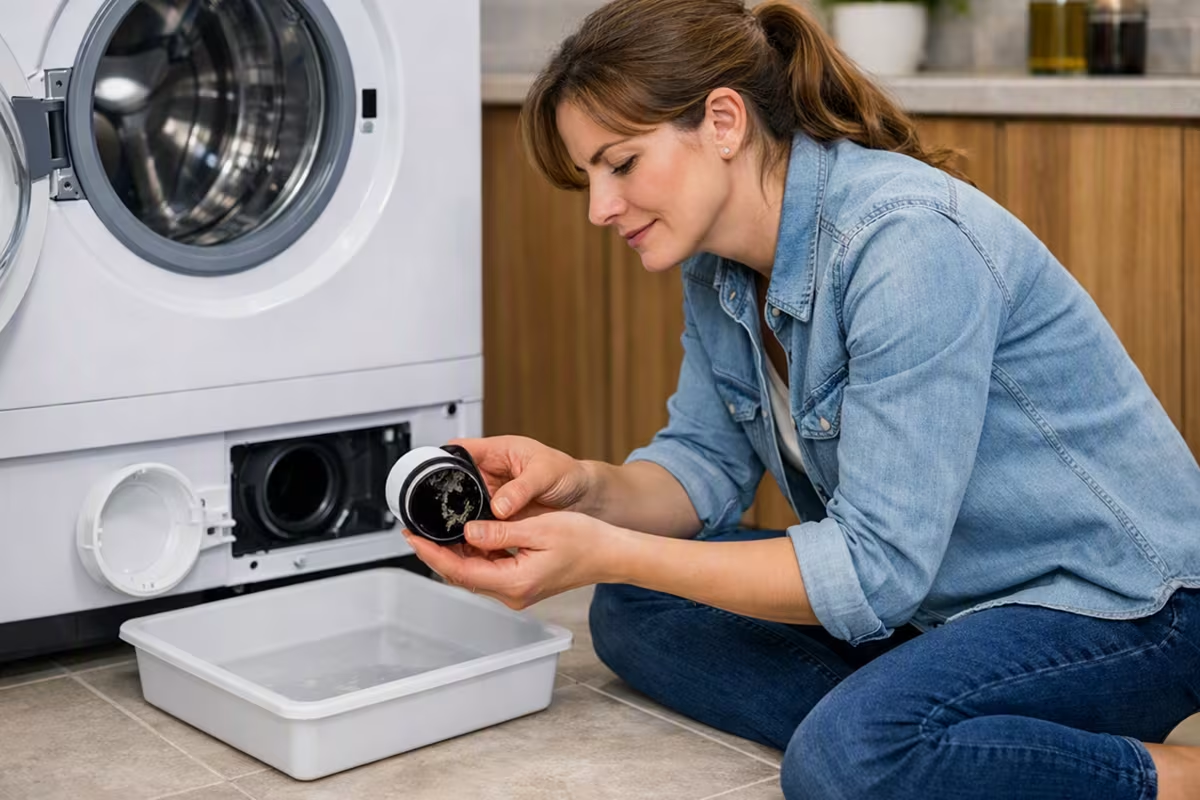
Turn off power, place trays and towels under the bottom right corner, open the kick-strip, and slowly turn the filter cap counterclockwise to empty trapped water.
Step 2: Check for a Physical Blockage
Remove the filter and inspect the impeller for debris like coins or hair clips. Spin the blade; if it is stiff or loose, the pump has failed.
🚨 Need a Replacement Drain Pump?
Verify your appliance model number before purchasing a replacement pump to ensure complete compatibility. Full code and instructions can be found in the source documents.
Find Your Hotpoint Replacement Pump HereStep 3: Check the Waste Hose & Siphon Spigot
If the pump is clear, disconnect the grey waste hose from the sink spigot to check for blockages further down the line.